Compress Images to Exact Target Size
Resize, rotate, and downscale massive images to any custom physical size (e.g., 20KB, 1MB) instantly. Powerful batch processing, 100% in-browser safety guaranteed.
Smart Target Size
Input your desired size limits (KB or MB) and let the engine dynamically achieve the exact target.
Batch Processing
Upload and configure multiple pictures at once to save hours of processing.
100% Safe Offline
Everything happens purely on your computer. Completely offline-capable & private.
Drag & drop your image here or click to select
Supports JPG, PNG, WEBP – up to 50MB
Compress Image Online Free – Reduce JPG, PNG & JPEG Image Size Without Losing Quality
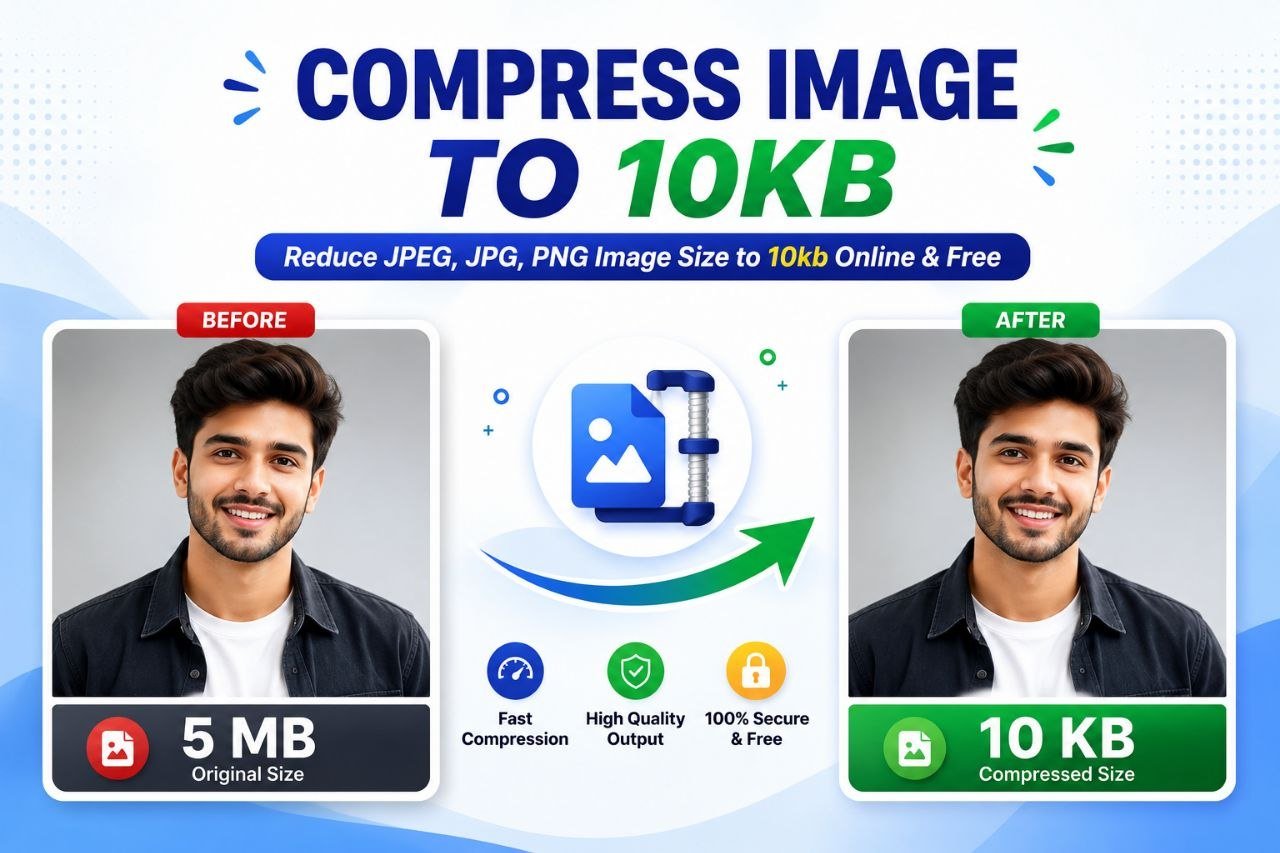
Image optimization is essential for faster websites, online forms, social media uploads, and government exam applications. Our Compress Image Online Free tool helps you reduce image file size in seconds without installing any software.
Whether you need to Compress Image to 20KB, Compress Image to 10KB, Compress Image to 15KB, or optimize images for online submissions, this tool provides a fast, secure, and user-friendly solution.
🤔 What is an Image Compression Tool?
An Image Compression Tool reduces the file size of an image while maintaining the best possible quality. Smaller image sizes make uploading faster, improve website loading speed, and meet image size requirements for online applications.
Key Features of Konvto Image Compressor
🎯 1. Compress Image to Any Size
Quickly compress images to your preferred file weight. Select from our precise presets: **10KB**, **15KB**, **20KB**, **50KB**, **100KB**, or **200KB**.
🖼️ 2. Supports Multiple Formats
Upload and compress JPG, JPEG, PNG, or WebP seamlessly. Zero extra software or external applications required.
⚡ 3. Fast Processing
GPU-accelerated local pipeline translates into instant compression inside your client browser sandboxed engine.
💎 4. High Quality Output
Adaptive iteration search system maintains maximum possible visual resolution and clarity without pixelated artifacts.
🔒 5. Secure & Private
Complete client-side isolated safety. Your private documents are never synced or uploaded, guaranteeing absolute confidential safety.
🎁 6. 100% Free to Use
Absolutely zero log-in constraints, registration forms, watermark injections, or arbitrary daily compression limits.
How Does the Image Compression Tool Work?
Upload Image
Click the "Select Images" button or simply drag-and-drop JPG, JPEG, PNG, or WebP files.
Select Target size
Choose your target constraint weight, like 10KB, 15KB, 20KB, 50KB, 100KB, or write a custom value.
Compare on Live Split-Screen
Utilize our slider compare tool to inspect compressed output quality side-by-side with original details.
Instant Download
Save optimized images instantly to your storage local disk, either individual files or batch packages.
Difference Between Image Compression and Resizing
📉 Compression
- Reduces digital file storage size weight.
- Keeps original physical pixel width/height intact.
- Saves extra bandwidth while guarding maximum clear elements.
📐 Resizing
- Modifies physical width and height aspect scale.
- Useful for complying with strict system resolution standards.
- Resizes dimensions, causing a secondary drop in file sizes.
Perfect For Online Portals & Documents
Compiling sizes under 10KB, 20KB, or 50KB can be difficult. This tool is optimized to meet the exact weight limits required for:
Popular Image Compression Targets
Compress Image to 20KB Online Free JPG
Reduce and adjust complex JPG files down under the standard passport exam limits of exactly 20KB weight.
Photo Convert Into 20 KB JPEG
Instantly translate larger PNG formats into optimized JPEG files sized exactly inside 20KB boundaries.
Convert Image to JPG 20KB to 50 KB
Intelligently target custom brackets between 20KB and 50KB. The algorithms will stop once optimum visual balance is found.
Compress Image to 10KB or 15KB
Highly-compressed output sizes specifically tuned for passport signature portals requiring extreme low weights.
Frequently Asked Questions (FAQs)
Is this image compressor free?
Yes. Our image compression tool is completely free with no registration, log-ins, or watermarks.
Can I compress JPG/PNG/WebP files?
Yes, all major formats, including JPG, PNG, and WebP, are natively handled inside the browser engine.
Will my image lose quality?
Our dual compression engine balances resolution downscaling and quality loss parameters to keep pixel structures clean and readable.
Are my uploaded files secure?
Yes. All file processing takes place in your local browser sandbox. No file is ever copied or saved on external servers.
Compress image to another specific size
We offer a variety of options for compressing your image to any size. Simply choose one from the list below.